With the JavaScript API, you control your LeadWin agent from your own website. Your own buttons open the chat directly at the contact form or at appointment booking, and your dark mode and your language switcher switch the agent along with them. The page in the dashboard is a guide with code examples to copy, and it does not change any setting.
At a glance
- You find the page in the LeadWin dashboard under Appearance → API.
- The API is included in every plan, including Free. Which screens it can open, however, depends on your plan, see Plans compared.
- It requires the code from the installation on your website. You only get this code once the data processing agreement is concluded. With a sign-up on leadwin.ai it already is, if you came from Feedbax, as a provider or buyer, you accept it under Privacy.
- Buttons with the data-leadwin-open attribute work without any JavaScript of your own, in any CMS.
- Every call only applies to the individual visitor and never changes your settings in the dashboard.
- Owners and admins can see the page. You decide who has which role under Team.
How it works
The code from the installation loads the LeadWin function on your website. You call it with a command and a value, for example LeadWin('open', 'lead'). Upper and lower case in the command do not matter. LeadWin ignores an unknown command, and the API never throws an error into your page.
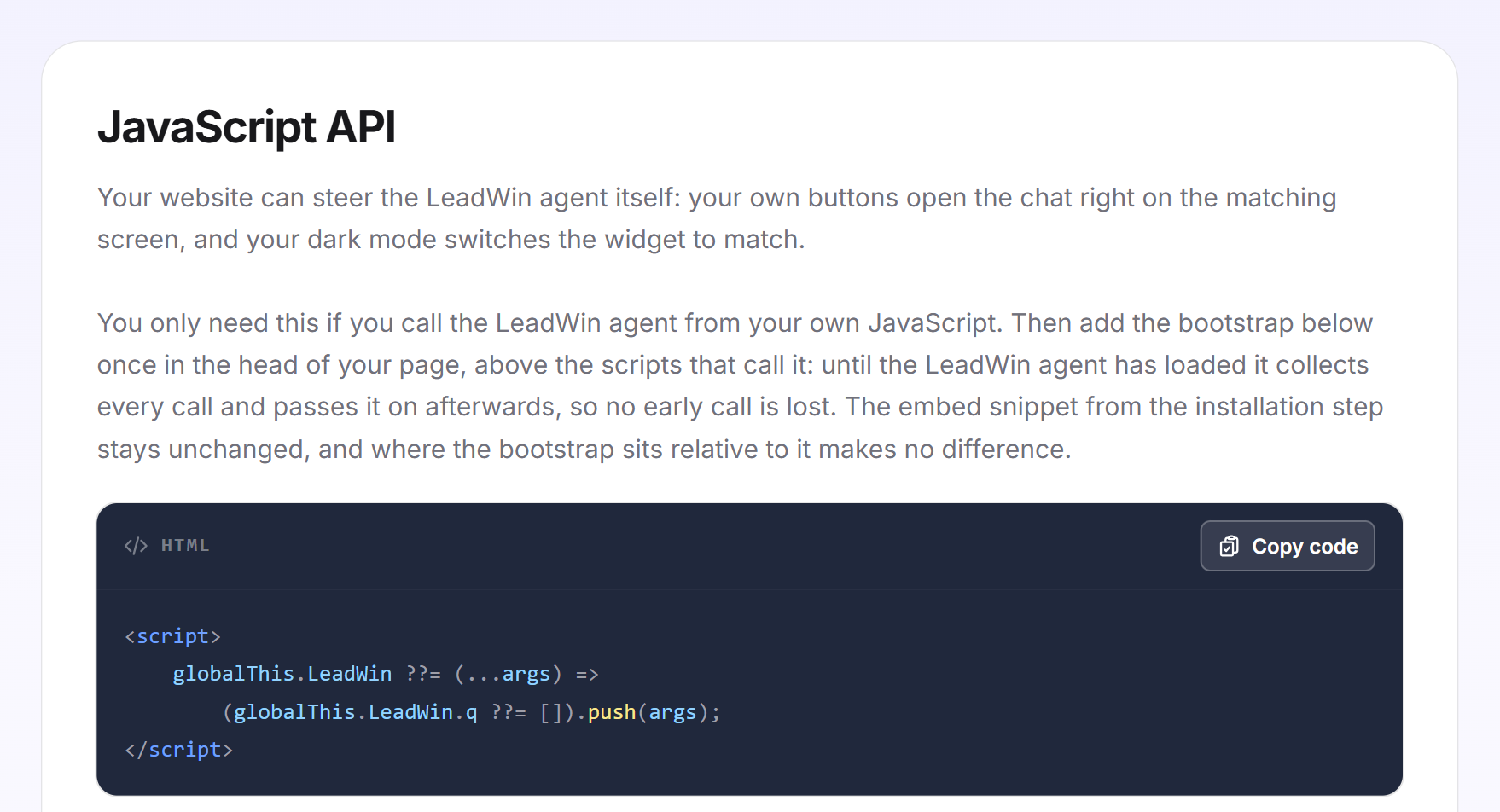
Your LeadWin agent only loads once your page has finished loading. If your own JavaScript calls it earlier, the bootstrap catches the call and passes it on as soon as the agent is there. Conversely, your LeadWin agent changes nothing on your page. It only reports when the chat opens or closes. What your page does with that is up to you.
These commands are available:
| Command | Value | Effect |
|---|---|---|
| open | none, lead, booking, helpcenter or profile | Opens the chat, on request directly on a screen |
| close | none | Closes the chat |
| toggle | none | Opens a closed chat and closes an open one |
| ask | a question with 1 to 1,000 characters | Opens the chat and asks the question in the visitor's name |
| theme | dark, light or auto | Switches between the light and dark theme, only with the API color scheme |
| language | de, en, fr, nl or auto | Switches the language of the interface |
| article | key of a help article | Opens the chat directly at this article |
| consent | granted or denied | Passes on the decision of your cookie banner |
Add the bootstrap
You only need the bootstrap if you call LeadWin from your own JavaScript. You do not need it for buttons with data-leadwin-open.
- Open Appearance → API and click Copy code in the first card. The message Code copied confirms it.
- Paste the code once into the head section of your page, above the scripts that call LeadWin.
- Leave the code from the installation unchanged. Where the bootstrap sits relative to it does not matter.
<script>
    globalThis.LeadWin ??= (...args) =>
        (globalThis.LeadWin.q ??= []).push(args);
</script>
Open and close the chat
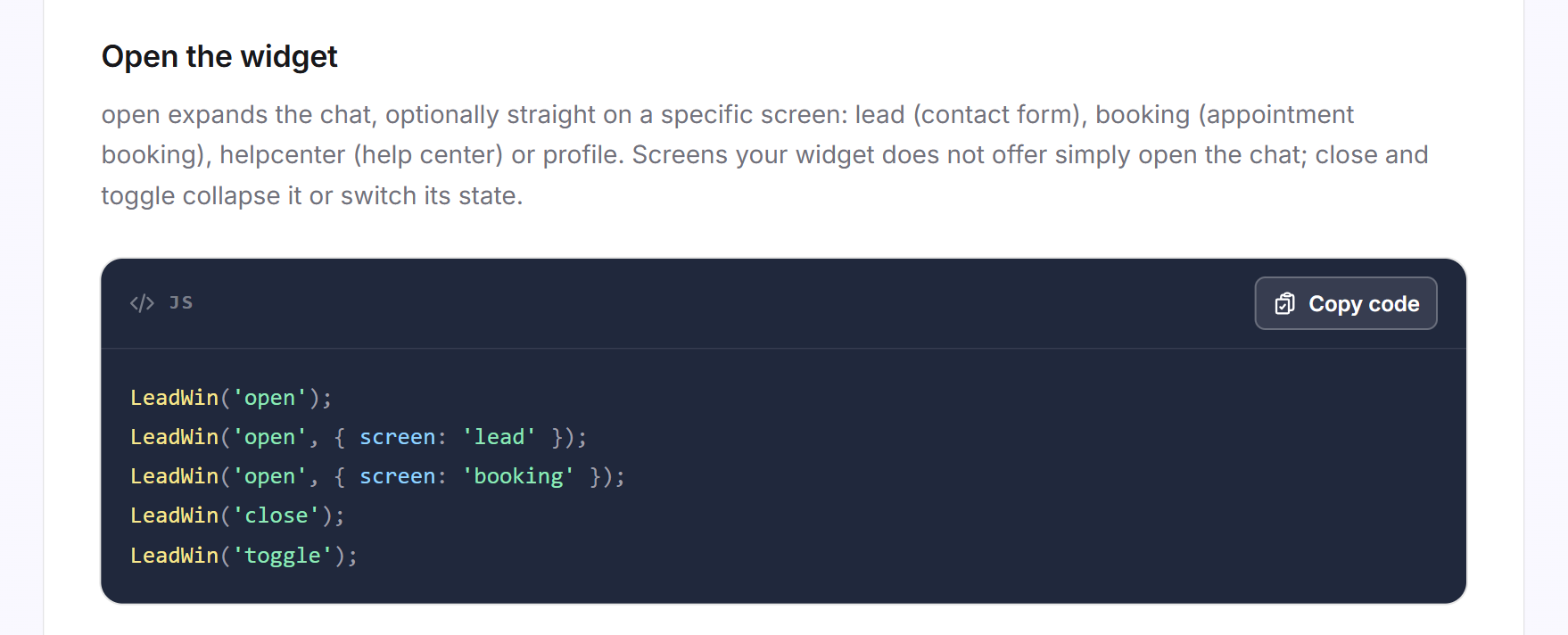
With open, you expand the chat. If you pass a screen, it opens directly there:
- lead: the contact form. What visitors enter there ends up in your inquiries.
- booking: appointment booking. It must be set up.
- helpcenter: your help center. For this you need an active help center from your knowledge base.
- profile: the profile view of your company from your profile.
If your LeadWin agent does not offer a screen, the chat opens. close closes it, and toggle switches between open and closed.
LeadWin('open');
LeadWin('open', { screen: 'lead' });
LeadWin('open', { screen: 'booking' });
LeadWin('close');
LeadWin('toggle');
Add buttons without JavaScript
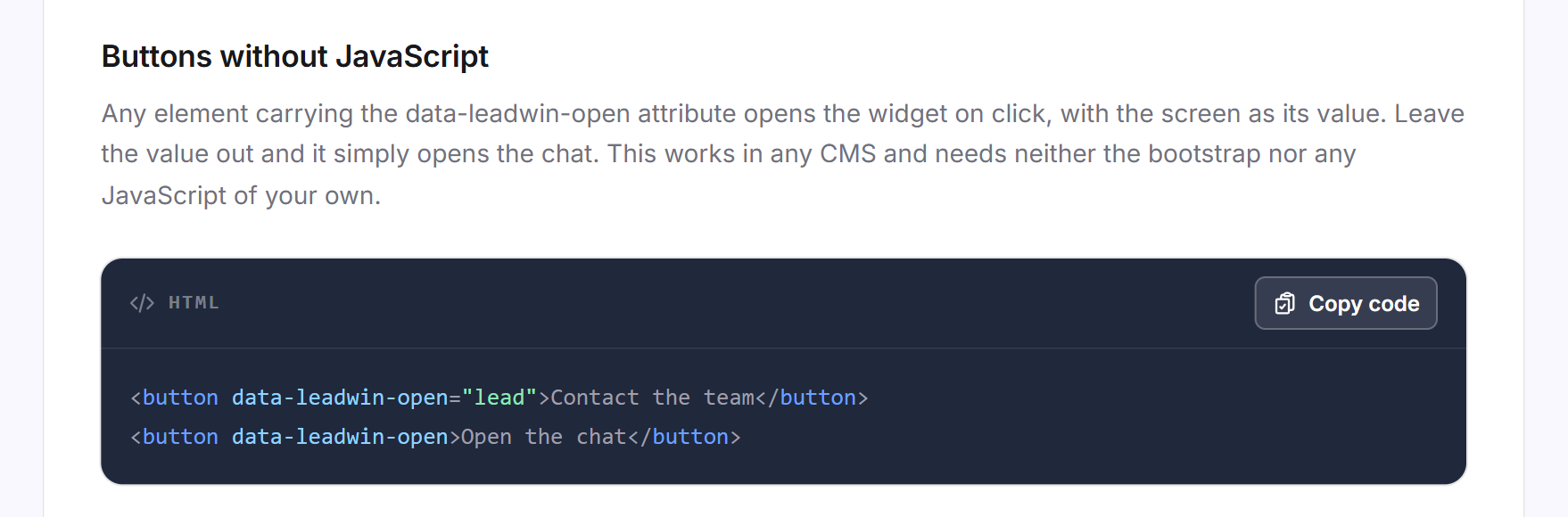
Every element with the data-leadwin-open attribute opens the chat when clicked. As the value, you enter the screen. Without a value, the chat itself opens. This works in any CMS, also for elements that are added to the page later, and needs neither the bootstrap nor any JavaScript of your own.
<button data-leadwin-open="lead">Contact the team</button>
<button data-leadwin-open>Open the chat</button>
Ask a question in the visitor's name
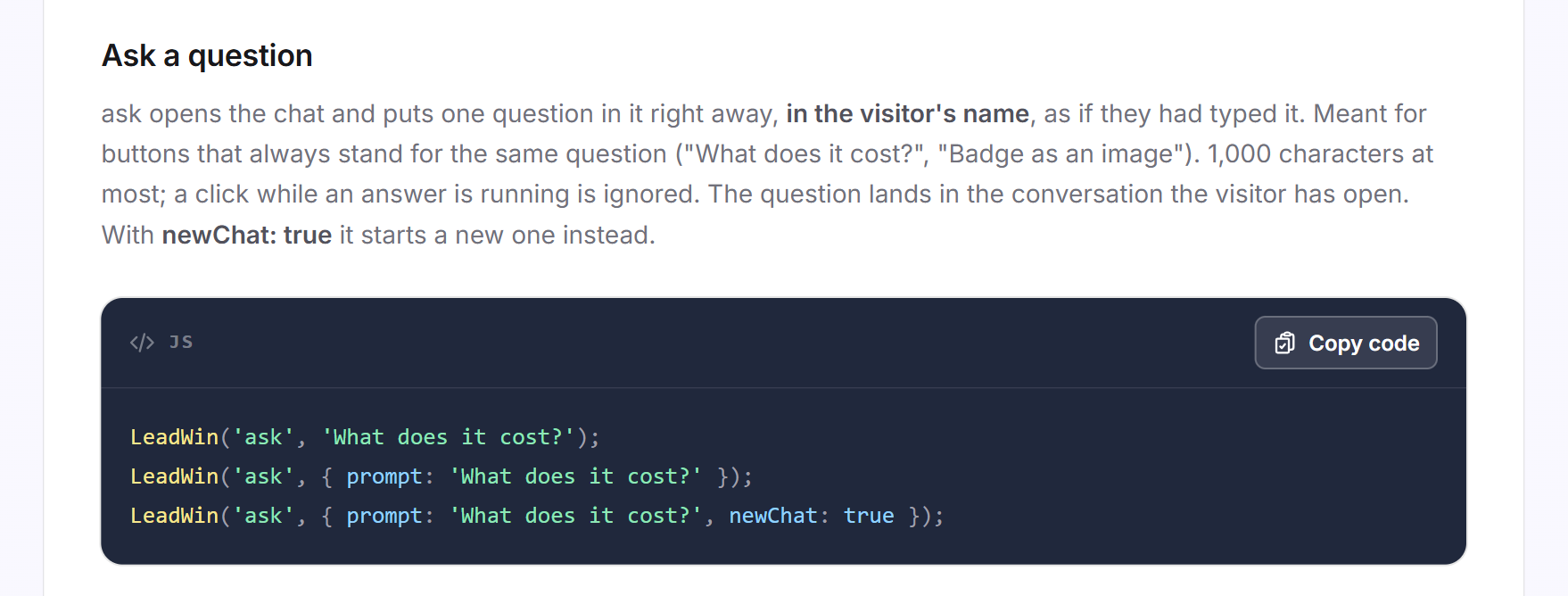
With ask, you open the chat and immediately ask a question, as if the visitor had typed it. This suits buttons that always stand for the same question, such as "What does it cost?".
- The question has 1 to 1,000 characters. If it is empty or longer, nothing happens.
- It lands in the conversation the visitor currently has open. With newChat: true, it starts a new one.
- If your LeadWin agent is currently writing an answer, the click is ignored.
- The question is a normal visitor message. A new conversation therefore counts against your conversation quota.
LeadWin('ask', 'What does it cost?');
LeadWin('ask', { prompt: 'What does it cost?' });
LeadWin('ask', { prompt: 'What does it cost?', newChat: true });
Sync dark mode
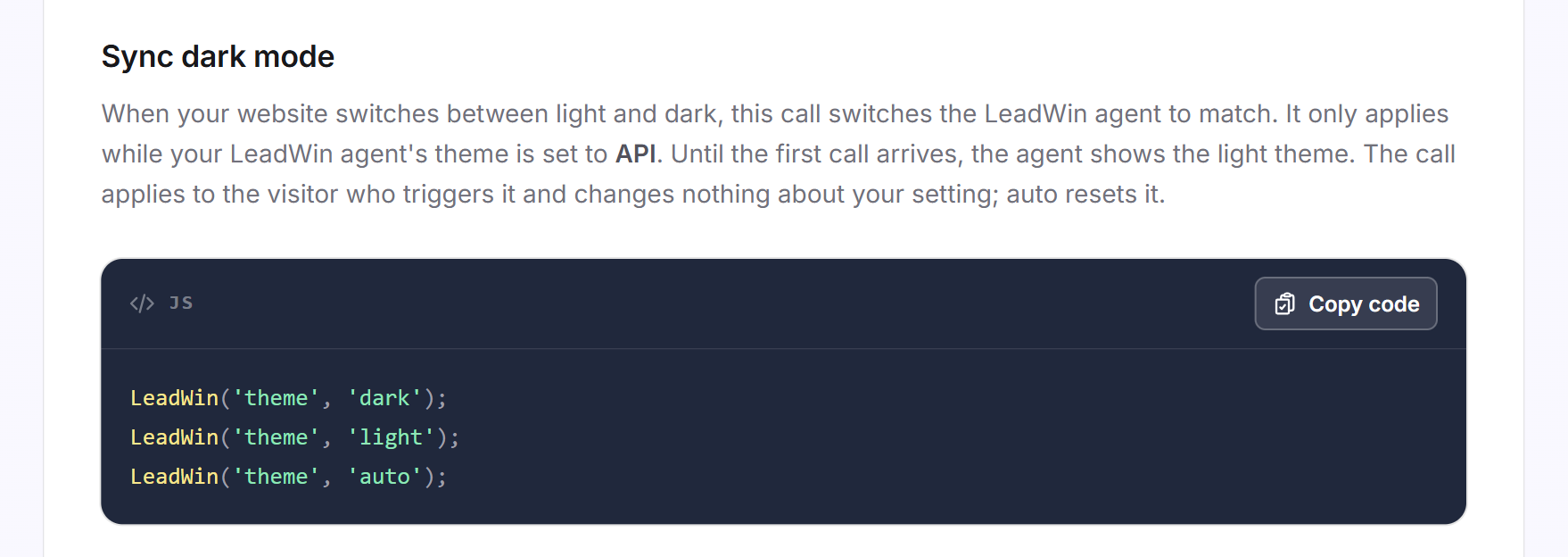
If your website switches between light and dark, theme switches your LeadWin agent along with it. This only works if the color scheme under Appearance is set to API. Until the first call, your LeadWin agent then shows the light theme. The call only applies to the visitor who triggers it. With auto, you reset it.
LeadWin('theme', 'dark');
LeadWin('theme', 'light');
LeadWin('theme', 'auto');
Sync language
On a regular page change, your LeadWin agent reads the language information of your page again anyway. You only need the language command if visitors switch language without the page reloading. It accepts de, en, fr and nl, also as a locale code such as de-DE. Only languages switched on under Language take effect. If the chat is open, it reloads in the new language, and the conversation continues. With auto, you hand the decision back to the language information of your page.
LeadWin('language', 'en');
LeadWin('language', 'auto');
React to the chat opening
When the chat opens or closes, your LeadWin agent triggers the leadwin:panel event on your page. event.detail.open contains true or false. The event only fires on a real change, not on every command. It bubbles up through the document, so you can also listen on window. This way you can, for example, hide a sticky bar or pause a video while the chat is open.
document.addEventListener('leadwin:panel', (event) =>
    document.body.classList.toggle('leadwin-open', event.detail.open));
Further commands and attributes
These options are not listed on the page in the dashboard, but work just the same:
- LeadWin('article', 'key'): opens the chat directly at an article from your help center. As the key, you use the slug from the article's address or its GUID. Letters, digits, hyphen and underscore are allowed, at most 300 characters.
- LeadWin('consent', 'granted'): passes on the decision of your cookie banner. How this relates to consent is explained in Privacy.
- data-lang: on the code from the installation, this attribute sets the language of the page, for example data-lang="en". It takes precedence over the lang attribute in the html tag.
- data-title: on the code from the installation, this attribute sets how screen readers announce the launcher. Without a value, it is called Chat.
You put both attributes in the opening script tag that already contains data-key.
What your plan includes
The JavaScript API is included in every plan, from Free to Scale. What a command can open depends on what your plan includes: appointment booking is available from Basic, your own help center from Pro. The API color scheme is included in every plan. Feedbax Business comes with the limits of Basic, Premium with those of Pro and Enterprise with those of Scale. You find more on this in LeadWin in your Feedbax plan.
Frequently asked questions
How does my Contact button open the LeadWin form?
Add the data-leadwin-open="lead" attribute to the button. You do not need any JavaScript of your own for this.
Can a button open appointment booking directly?
Yes, with data-leadwin-open="booking" or LeadWin('open', { screen: 'booking' }). Appointment booking must be set up, otherwise the chat opens.
My website has a dark mode. How does the chat follow it?
Set the color scheme under Appearance to API and call LeadWin('theme', 'dark') or LeadWin('theme', 'light') as soon as your website switches.
LeadWin('theme', 'dark') does nothing. Why?
The color scheme is not set to API. The command only works then.
Do I need the bootstrap?
Only if your own JavaScript calls LeadWin, possibly before your LeadWin agent has loaded. Not for buttons with data-leadwin-open.
Can I react when the chat opens?
Yes. Listen for the leadwin:panel event and read event.detail.open.
Can I send a question in the visitor's name?
Yes, with LeadWin('ask', 'Your question') and up to 1,000 characters. The question lands in the open conversation, unless you pass newChat: true.
Does LeadWin('language', 'fr') work if French is not switched on?
No. The command only accepts languages that are switched on under Language.