
Before your LeadWin agent answers visitors, you create it with one click. The screen for this shows you what the agent can do, a sample conversation and the three steps to getting it live on your website. Depending on your account, you either start the free trial or create the agent directly in your plan.
At a glance
- You see this screen in the LeadWin dashboard as long as your account has no LeadWin agent. The header then shows the status Not set up yet.
- A new LeadWin account does not need it: there, the first agent is created with your first click on the sign-in link. Feedbax providers see the screen on their first visit, and so does everyone who has deleted their last agent.
- On the Free plan, Try it free for 7 days starts the trial and creates the agent, without payment details. The button only appears as long as your account has not used the trial yet.
- In every other case, Create your LeadWin agent creates the agent directly: with a LeadWin plan, with a Feedbax plan from Business upwards, during a running trial and on the Free plan once the trial is used up.
- From creating the agent to having the code on your website, the basics take about 5 minutes.
How it works
One click creates your LeadWin agent. It gets the name of your company as it appears in your account, and a public handle derived from that name. The handle later appears in the address of your public booking page. You can change the name and handle at any time on the Agent page.
As far as your website is concerned, the new agent is still empty:
- It does not have an approved domain yet. The Installation page only shows the code once two things are done: the data processing agreement is concluded, and you have approved your domain under Knowledge → Website. If you signed up for your LeadWin account on leadwin.ai, you already concluded the agreement with your sign-up. If you came from Feedbax, as a provider or as a buyer, you accept it once under Setup → Privacy. The agreement applies to your whole account, so to every new agent as well.
- It does not have any event types for appointment booking yet.
- It only answers on your website once you have added the code there.
After you create the agent, the Getting started checklist opens. It guides you through the setup in the right order. You can try out what your agent can already do at any time in the live preview.
The trial belongs to the account, not to the agent. It runs for 7 days, includes all Pro features with one agent and 30 conversations, and ends on its own. Each account can use it only once. If a paid plan has already covered your account, no trial starts. The details are in Trial.
What you see before creating the agent
The screen has three parts:
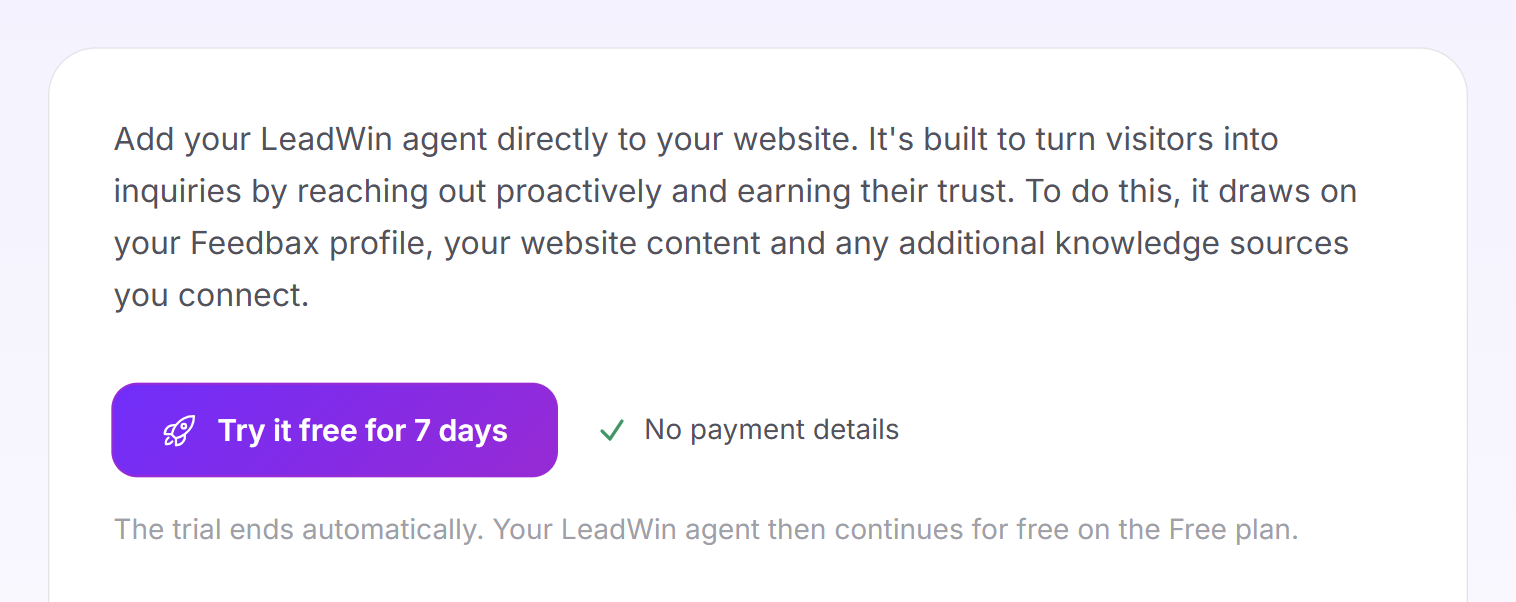
- The introduction with the button for creating the agent and three of its strengths: Knows your profile, Proactive outreach and Pre-qualifies.
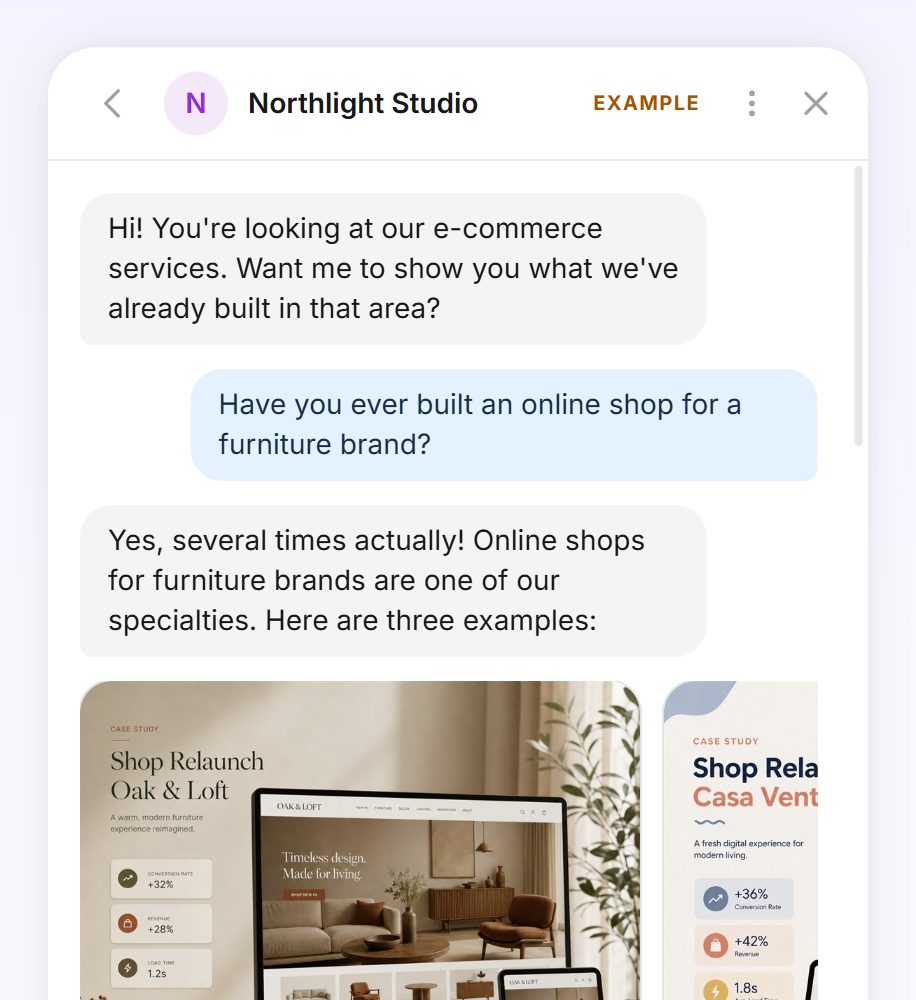
- A sample conversation with a made-up company. It plays on its own: greeting, visitor question, answer with references, reviews, contact person and meeting invitation. The conversation is only an illustration and uses no data from your account.
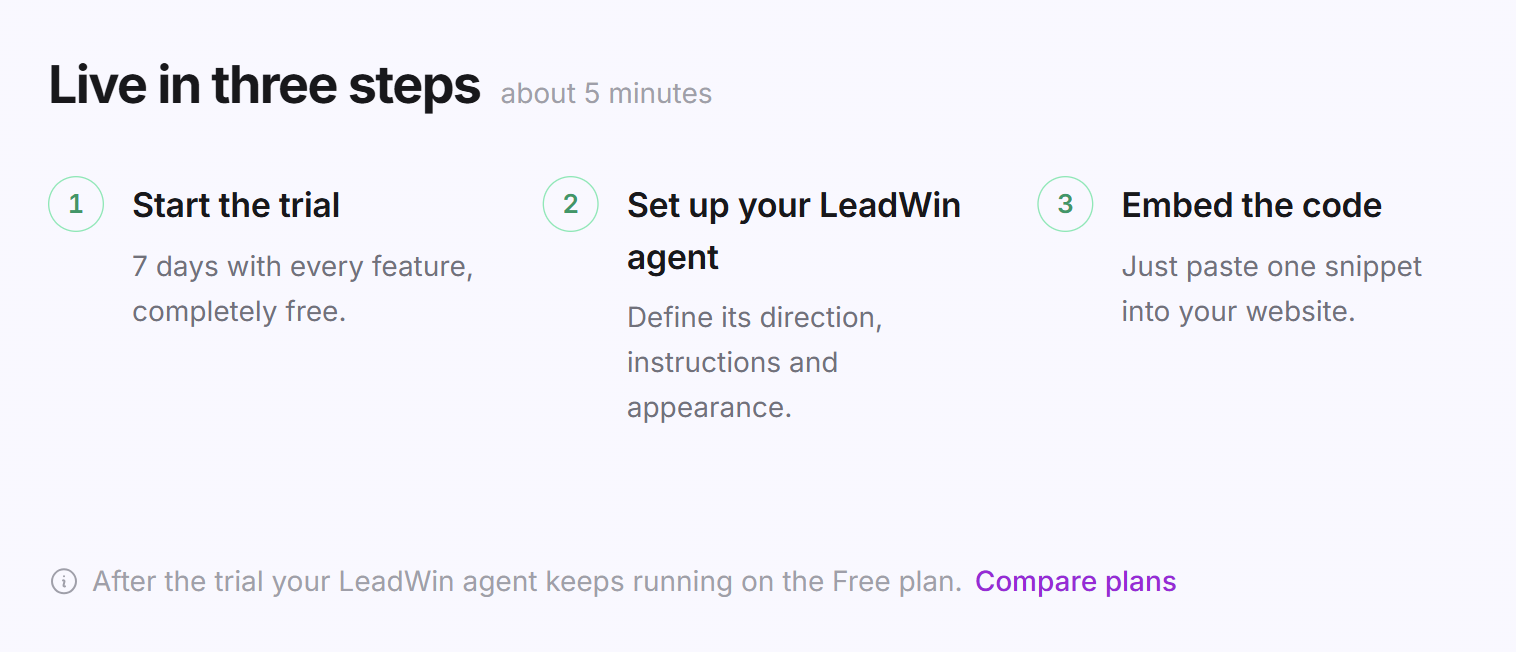
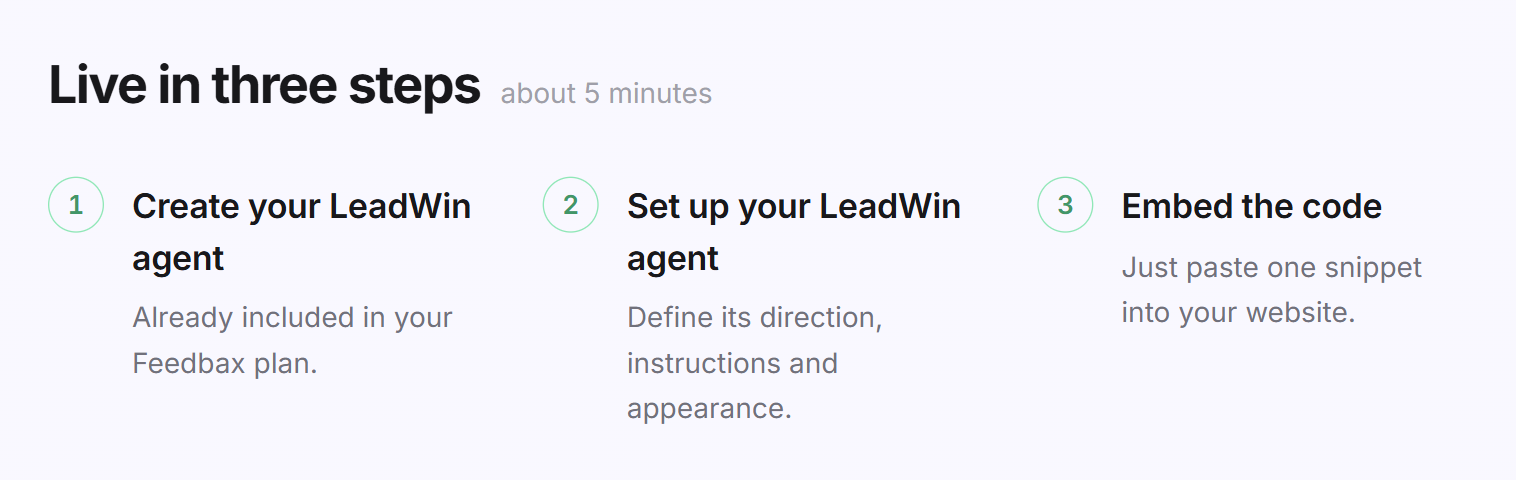
- Live in three steps with the note about 5 minutes: first create the agent, then Set up your LeadWin agent, and finally Embed the code. The first step is called Start the trial as long as the trial is on offer to you, otherwise Create your LeadWin agent.
As long as the trial is on offer to you, a note below the three steps says that your LeadWin agent continues on the Free plan after the trial. The Compare plans link next to it opens the pricing page.
Create the agent with a trial
You see this path on the Free plan as long as your account has not used the trial yet.
- Open the LeadWin dashboard.
- Click Try it free for 7 days. Next to it, it says No payment details.
- There is no confirmation prompt here. LeadWin creates the agent and starts the trial right away.
- The dashboard opens the Getting started checklist. Follow it from top to bottom.
After 7 days, your LeadWin agent switches to the Free plan on its own. You do not need to cancel anything, and your settings are kept.
Create the agent in your plan
If you already have a LeadWin plan or a Feedbax plan from Business upwards, there is no trial. This also applies during a running trial and on the Free plan if your account has already used the trial.
- Open the LeadWin dashboard.
- Click Create your LeadWin agent.
- LeadWin creates the agent with the scope of your plan. The dashboard opens the Getting started checklist.
Below the first of the three steps, the screen then says what your agent comes with:
- with a Feedbax plan: Already included in your Feedbax plan.
- with a LeadWin plan: Already included in your LeadWin plan.
- during a running trial: Included in your running trial.
- on the Free plan once the trial is used up: Runs for free on the Free plan. You have already used your trial.
What your Feedbax plan includes is explained in LeadWin in your Feedbax plan.
If you have deleted your last agent
If you delete your last LeadWin agent, your account remains and the dashboard shows this screen again. Your plan keeps running. A trial you have already used does not start a second time. You therefore create the new agent with Create your LeadWin agent, and it starts empty: without the knowledge, conversations and settings of the deleted agent.
Tip: If you only want to hide your agent for a while, do not delete it. Remove the code from your website instead. Conversations, inquiries and settings are then kept.
What your plan includes
Which button you see depends on your plan:
| Your plan | Button | What is created |
|---|---|---|
| Free, trial not used yet | Try it free for 7 days | Agent with all Pro features for 7 days and 30 conversations, then Free |
| Trial running | Create your LeadWin agent | Agent with all Pro features until the trial ends, then Free |
| Free, trial already used | Create your LeadWin agent | Agent on the Free plan |
| Basic, Pro or Scale | Create your LeadWin agent | Agent on the booked plan |
| Feedbax Business, Premium or Enterprise | Create your LeadWin agent | Agent with the scope of Basic, Pro or Scale |
Feedbax Business comes with the limits of Basic, Premium with those of Pro and Enterprise with those of Scale.
The Free plan includes 10 conversations per month, one approved domain and 3 in-depth pages. It does not include appointment booking, and the chat shows the Powered by LeadWin note. A paid plan pays off as soon as visitors write regularly: Basic already brings 50 conversations per month and appointment booking in the chat, and Pro adds visitor intelligence and a second agent. All limits are listed in Plans compared, and booking a plan is explained in Book a plan. You create further agents later through the Switch agent menu, if your plan includes them: Pro includes 2, Scale 3, and with extra agents up to 5. An account cannot run more than 5 agents. Feedbax Enterprise stays at 3, it has no extra agents. You find more on this in Multiple LeadWin agents.
Frequently asked questions
Do I need a credit card for the trial?
No. The trial runs without payment details and ends on its own after 7 days.
What happens after the 7 days?
Your LeadWin agent continues on the Free plan, with fewer conversations and features. You do not need to cancel anything.
Can I start the trial again later?
No. Each account can use it once, even if you delete the agent and create a new one.
I have a Feedbax plan. Why do I not see a trial?
Feedbax Business, Premium and Enterprise already include LeadWin. Create your LeadWin agent therefore creates your agent directly with the matching scope.
I have just signed up. Why do I not see this screen?
With a new LeadWin account, the first click on the sign-in link creates the agent and starts the trial. You therefore land directly in the Getting started checklist.
What is my new agent called?
It carries the name of your company from your account. You change it on the Agent page.
How long does the setup take?
About 5 minutes for the basics: create, set up, embed the code. Every further step of the checklist makes the answers better.