
During the trial, you use the Pro features for 7 days, free of charge and without payment details. This lets you try appointment booking, speech bubbles and visitor intelligence on your own website before you decide on a plan. The trial ends on its own. You do not have to cancel anything, and nothing is deleted.
At a glance
- The trial lasts exactly 7 days from the start and is available once per LeadWin account, not once per agent.
- For a new LeadWin account, it starts with your first sign-in. Otherwise, you start it yourself, when you create your first LeadWin agent or via the card in the bottom left of the LeadWin dashboard.
- It includes all Pro features with 30 conversations and 1 LeadWin agent. Top-up packs are not available during the trial.
- Afterwards, your LeadWin agent continues on the Free plan. Settings and conversations are kept.
- With a Feedbax plan or a booked LeadWin plan, there is no trial, because your plan already includes LeadWin.
How it works
If you sign up on leadwin.ai, the trial starts with your first sign-in, that is, with your first click on the link in the welcome email. In all other cases, it only begins when you click Try free for 7 days. It ends exactly 7 times 24 hours after the start. You do not need to remember a date: the LeadWin dashboard shows the remaining days, and on the last day even the time.
During the trial, your LeadWin agent has all Pro features, but its own quota: 30 conversations instead of 100, and only 1 agent instead of 2. How a conversation is counted is explained in Usage. Once the 30 conversations are used up, you cannot buy top-up packs. Instead, you book a plan.
The trial is available once per account. A trial that has been started never starts again, not even for a second LeadWin agent. If your account already has a plan that includes LeadWin, that is, a Feedbax plan as described in LeadWin in your Feedbax plan or a booked LeadWin plan, the LeadWin dashboard does not offer a trial. This way, it stays unused.
Start the trial
If you sign up on leadwin.ai, you do not need to do anything: with your first click on the link in the welcome email, your LeadWin agent is created and the trial runs. How this works is explained in Sign-in. For all other accounts, there are two ways, depending on whether you already have a LeadWin agent.
When you create your first LeadWin agent:
- Open the LeadWin dashboard. As long as you have no agent yet, you see the creation screen.
- Click Try it free for 7 days. Next to it, it says No payment details. The button only appears on the Free plan and only as long as you have never used the trial.
- The trial starts immediately, without any further confirmation, and your first LeadWin agent is created.
If you already have a LeadWin agent on the Free plan:
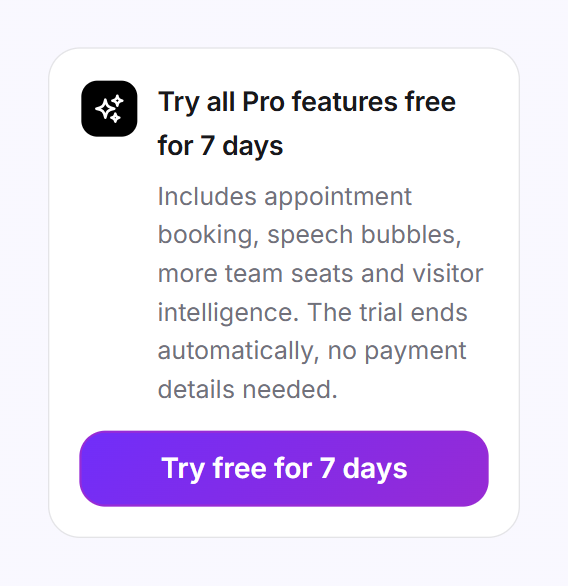
- In the bottom left of the LeadWin dashboard, you see the Try all Pro features free for 7 days card. It only appears as long as you have never used the trial and your conversation quota is not running low.
- Click Try free for 7 days.
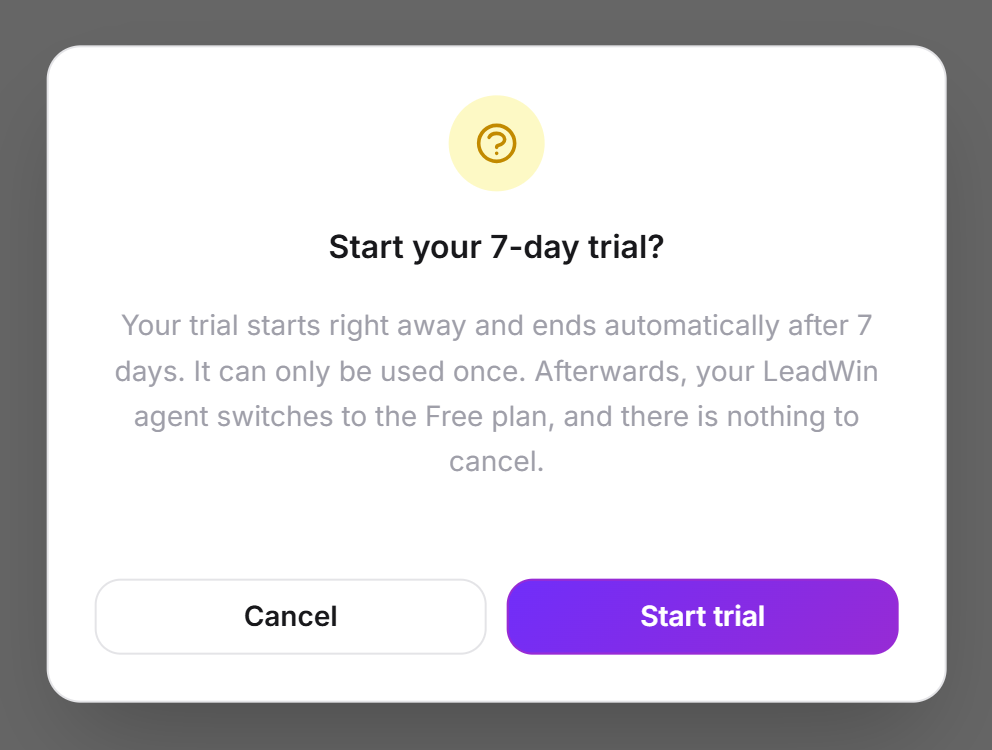
- In the Start your 7-day trial? dialog, click Start trial. Cancel starts nothing.
If you have already used the trial and then deleted your last LeadWin agent, the creation screen no longer offers a trial. Instead it shows the Create your LeadWin agent button, and the first step says Runs for free on the Free plan. You have already used your trial. Your new agent starts on the Free plan. With a Feedbax plan or a booked LeadWin plan, the screen also shows Create your LeadWin agent, because your plan already includes LeadWin. On the pricing page, Try free for 7 days leads to the sign-up. The trial then starts with your first sign-in.
Check the time remaining
At the top of the LeadWin dashboard, the Usage button shows a clock icon and the remaining days during the trial, for example 5 days left. On the last day, it says Last day. The color shows how much time is left: green for more than 4 days, yellow from 4 days, red on the last day.
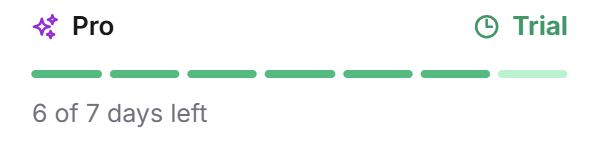
When you click Usage, you see the period of the trial at the top and a separate block with the name Pro and the label Trial. Seven marks stand for the seven days. Below them, it says, for example, 5 of 7 days left. On the day before the end, the block gives the exact time at which the trial ends tomorrow, and on the last day the time today. All times are in German time. Outside the trial, a line here names your plan. During the trial it is missing, because the block already names it.
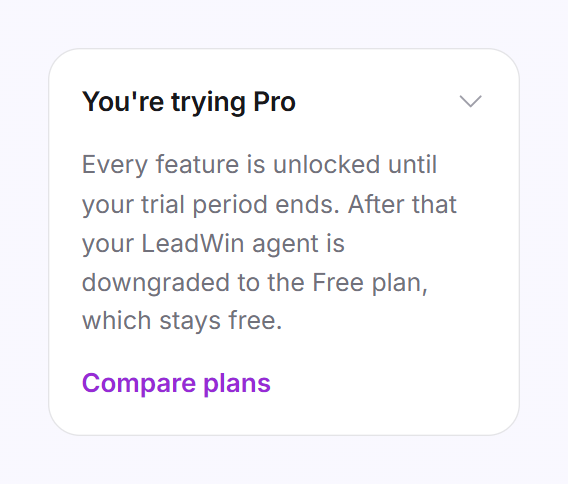
In the bottom left of the LeadWin dashboard, you also see the You're trying Pro card. Click its title to expand it. It explains that all features are unlocked until the end of the trial and leads to the pricing page via Compare plans.
Book a plan during the trial
You can book at any time during the trial. The booked plan applies immediately and replaces the trial. The remaining trial days are neither credited nor added on. How the booking works is explained in Book a plan. Which plan suits you is shown in Plans compared.
Tip: Add the code to your website on the very first day. Only with real visitors does the trial show what speech bubbles, appointment booking and visitor intelligence achieve. You get the code as soon as the data processing agreement is concluded. With a sign-up on leadwin.ai it already is. If you came from Feedbax, as a provider or buyer, you first accept it under Setup → Privacy, see Privacy. How to add it is explained in Installation. Before that, check your LeadWin agent in the live preview, which costs no conversations.
What happens after 7 days
If you have not booked a plan by then, your LeadWin agent continues on the Free plan. No click is needed for this. If the LeadWin dashboard stays open, the block in the Usage menu shows Trial ended and You are on Free now. If you reload the LeadWin dashboard, the menu shows Your plan: LeadWin Free. From then on:
- Your LeadWin agent holds 10 conversations per month. The new conversation month begins when the trial ends, so you start with the full 10 conversations.
- Features Free does not include stop working immediately, for example appointment booking, speech bubbles and visitor intelligence. Your settings for them stay saved.
- In-depth pages, documents and websites are all kept. You can only add new ones once you are below the Free limit.
- Team members lose access, because Free has only one seat. The owner keeps access. Their entries under Team remain.
- The Powered by LeadWin notice appears again.
If you book a plan later, all saved settings take effect again immediately.
Emails during the trial
During the trial, LeadWin sends you at most two emails, each only once:
- Your LeadWin trial ends soon: from day 5. The email gives the remaining days and what you lose after the end. The button is called Choose a plan.
- Your LeadWin trial has ended: after the end. The email confirms that settings and conversations are kept. The button is called Upgrade now.
If the trial is already over, the email about its coming end is not sent afterwards. The reminder to install the code is one of the setup tips: it arrives 4 days after your first LeadWin agent if it is not visible on any website by then.
What your plan includes
This is how the trial differs from Free, which you fall back to afterwards, and from Pro, which you are trying. All figures apply per LeadWin agent, except for the number of agents.
| Limit | Free | Trial | Pro |
|---|---|---|---|
| Conversations per month | 10 | 30 | 100 |
| LeadWin agents per account | 1 | 1 | 2 |
| Websites | 1 | 5 | 5 |
| Team seats including owner | 1 | 10 | 10 |
| In-depth pages | 3 | 150 | 150 |
| Documents | 1 | 20 | 20 |
| Automatic speech bubbles | none | 150 | 150 |
| Page refreshes per day | 3 | 25 | 25 |
| Test messages in the live preview per month | 30 | 250 | 250 |
| Appointment booking, speech bubbles, visitor intelligence, no branding | no | yes | yes |
| Buy extra conversations | no | no | yes |
Feedbax Business comes with the limits of Basic, Premium with those of Pro and Enterprise with those of Scale. You do not need a trial then. With Pro, you keep everything you tried after the trial, get more than three times as many conversations and can run a second LeadWin agent for another website or brand.
Frequently asked questions
Do I need a credit card for the trial?
No. The trial needs no payment details and ends on its own.
What happens after 7 days?
Your LeadWin agent continues on the Free plan, with 10 conversations per month, 1 website, 3 in-depth pages, 1 document and 1 team seat. Nothing is deleted.
Can I start the trial a second time?
No. It is available once per account, even if you create another LeadWin agent.
Why do I only have 30 conversations during the trial when Pro has 100?
The trial includes all Pro features, but its own quota with 30 conversations and 1 LeadWin agent.
Can I create a second agent during the trial?
No. The Switch agent menu says The trial runs one agent. LeadWin Pro lets you run 2. More on this in Several LeadWin agents.
Can I buy extra conversations during the trial?
No. Top-up packs are available from Basic upwards. Once the 30 conversations are used up, you book a plan.
I have a Feedbax plan. Why do I not see a trial?
Your Feedbax plan already includes LeadWin. Business includes Basic, Premium includes Pro, Enterprise includes Scale.
When exactly does my trial end?
7 times 24 hours after the start. On the day before and on the last day, the Usage menu gives the exact time.